To tell whether you'll like a game before you buy it, a high score isn't enough: you need to find the reason it wouldn't suit you. Read the recent reviews and the negative ones from people with plenty of hours, watch uncut gameplay, try the demo if there is one and, as a safety net, know exactly how Steam refunds work.
A game can be brilliantly reviewed and still not be for you. These are the checks that prevent the most mistakes, from the quickest to the slowest.
1. Reviews: recent first, negative second
On every game's page, Steam shows two scores: recent reviews (the last 30 days) and all reviews. If they don't match, something has changed: an update, a patch that broke something or, the other way round, a game that launched badly and has since been fixed.
That's the kind of change the overall score won't tell you. Far Cry 3 is still a much-loved open-world shooter, but Ubisoft shut down its multiplayer and online features in 2022. Buy it to play with friends and you're in for a surprise.

Then read the negative reviews, but not all of them. Use the review filters:
- By playtime: a negative review from someone with 40 hours says far more than one from someone with 20 minutes. Every review shows how many hours its author had played when they wrote it.
- By language: reviews in the language you play in flag translation problems early.
- Look for patterns: if five people complain about the same thing, ask yourself whether it would bother you too. Other people finding the grind boring doesn't matter if you love grinding.
2. Look for the reason you wouldn't like it
This is the step almost nobody takes, and the one that saves the most bad purchases. The question isn't "is it good?" but "what would have to put me off for me to drop it after two hours?". A lot of disappointment comes from a genre that promises one thing and a game that delivers another:
- Frostpunk is a city builder, but not a relaxing one: your city is always on the verge of collapse and every law you sign has a moral cost.
- Cult of the Lamb mixes action dungeons with running your cult. If you're expecting deep combat or complex management, neither half delivers that: both are deliberately accessible.
- Hogwarts Legacy lets you live inside Hogwarts, but if you want choices that carry weight, they don't change the game.
- FrostpunkWhen you want an intense management game with tough decisions, in one afternoon.When to play it and when not to
- Cult of the LambWhen you can't choose between action and management: it gives you both in short doses and there's always something to improve at your base.When to play it and when not to
- Hogwarts LegacyWhen you've got weeks ahead of you: the main story runs to around 25-35 hours, and doing everything takes twice that.When to play it and when not to

That's why every page in our catalogue has a ‘When not to pick it’ section. It isn't a criticism of the game: it's the warning we'd have liked to read before buying it. If that warning describes you, keep looking.
3. Watch uncut gameplay, not the trailer
A trailer is edited to sell: it shows the best 90 seconds out of many hours. What you want to know is what a normal session looks like. Find a long video of someone playing, ideally without commentary and from the first hour, or a livestream.
Look out for three things:
- The pace: how much time goes on menus, dialogue or travelling, and how much on actually playing.
- What repeats: what you do at minute 10 is what you'll be doing at hour 30. Does that appeal?
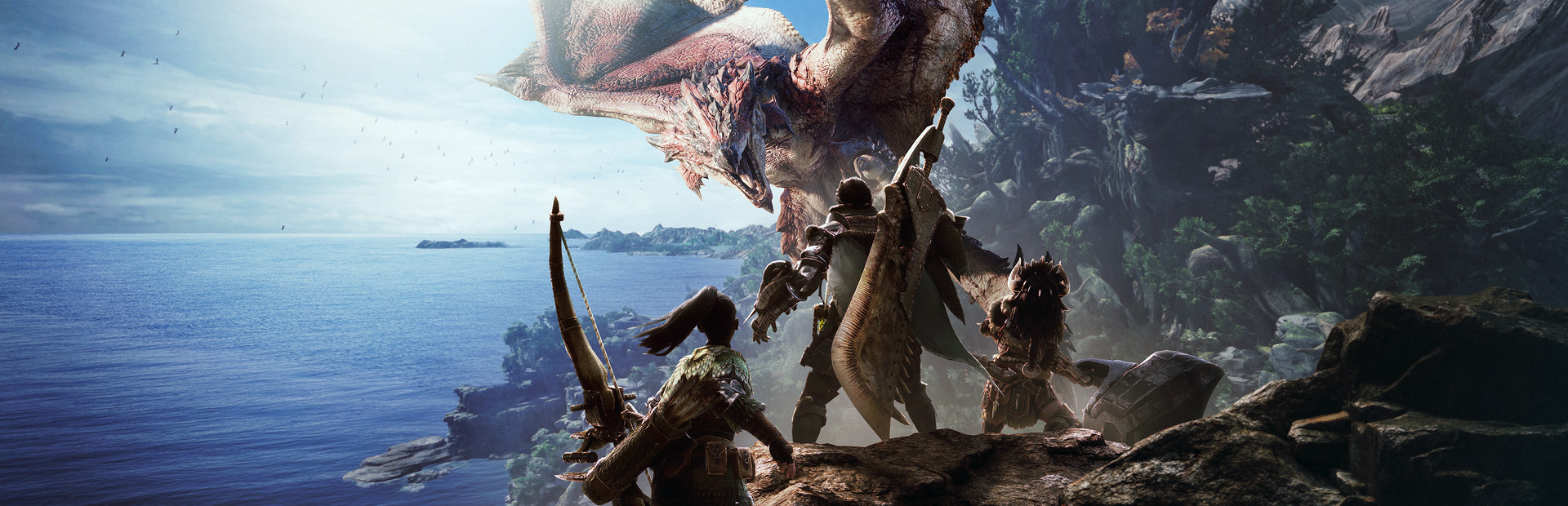
- How long a run or mission lasts: in Monster Hunter: World, for example, a hunt takes around 20-40 minutes. If your gaming sessions are half an hour, that matters.
4. Try the demo if there is one
If a game has a demo, it shows up on its Steam page with a button to download it. It's the best test there is, because you're playing on your own hardware, with your own controller and screen. Two caveats:
- A demo is usually the opening, which doesn't always represent the rest. A game that's slow to get going can seem worse in its demo than it really is.
- If the demo doesn't grab you at all, don't expect the full game to.
5. Use Steam refunds wisely
Steam refunds a game if you request it within 14 days of buying it and have played it for less than 2 hours. It's a great safety net, but there's a catch: two hours isn't enough to get to know every game.
Monster Hunter: World is the perfect example. It's a huge game about hunting giant monsters and crafting gear from their parts, but its own page warns that it takes a while to hook you and that its tutorials are dense. It's easy to burn through two hours without reaching what makes it special.

With games like that, do the earlier steps before you buy. And if you're trying it with a refund in mind, don't spend that time in the settings menus: go straight to what the game wants you to do. For more tips on buying sensibly, see what to buy in the Steam sale.
6. The details people forget: language, controller and Steam Deck
Some purchases go wrong because of something that was right there on the store page:
- Language: the Steam page lists which languages each game supports, for text and for voices. If you're buying for someone who plays in Spanish, for example, Undertale, a cult narrative RPG full of humour, has no Spanish text according to Steam. Without the language, they'd miss half the fun.
- Controller: if you play on the sofa, check whether it lists controller support.
- Steam Deck: check whether it's Verified or only Playable. Frostpunk, for instance, is Playable: it works, but it may need some tweaking.

Checklist before you buy
- Compare recent reviews with overall reviews.
- Read negative reviews from people with plenty of hours and look for patterns.
- Find the reason it wouldn't suit you.
- Watch uncut gameplay, not the trailer.
- Try the demo if there is one.
- Remember the refund rules: 14 days and under 2 hours.
- Check language, controller support and Steam Deck status.
And if what you really want is something to play tonight without buying anything, start with what's already in your library.
So what are you playing now?
Tell us how much time you have and what you fancy, and we'll suggest a game in under a minute.
Find my game